- [Guide] Mentor Revamp Guide 2024.05.30
-

Greetings from Com2uS!
In the upcoming v9.0.5 update, we have planned improvements for the Mentor system!
Let's dive into the details so that you can utilize your mentors more strategically.
[Mentor]
The Mentor system allows you to register players who meet certain conditions to develop your team in your own unique direction.
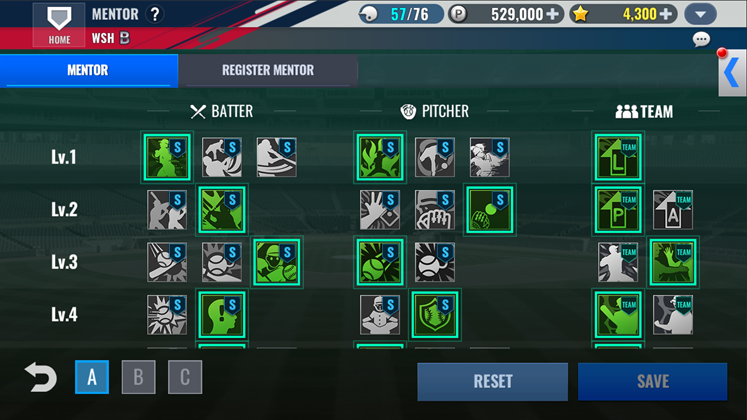
Registered mentors can be easily changed and accessed via the Mentor button while engaging with other content.
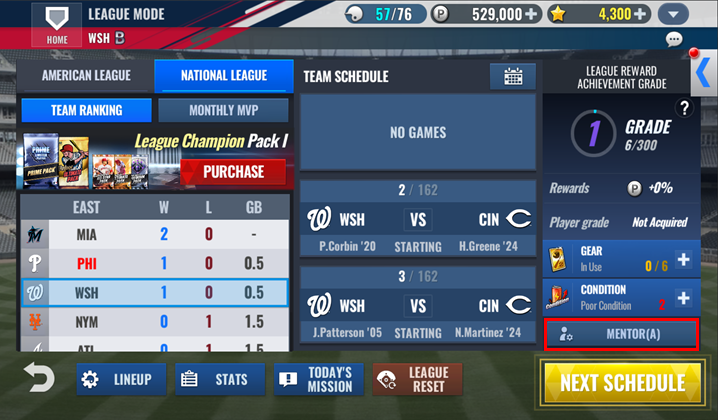
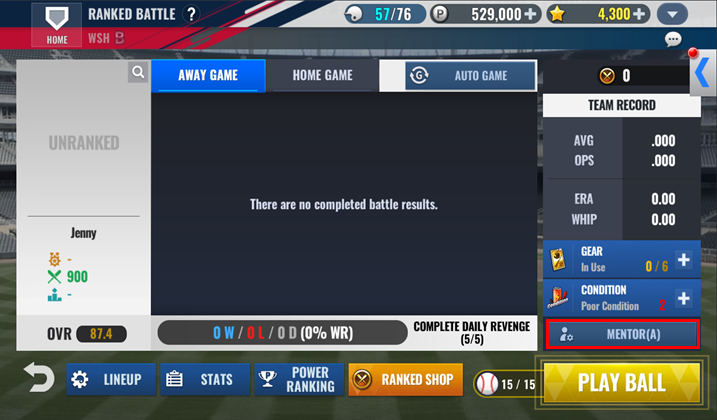
⚡Quick Tip⚡
- You can access the Mentor system through the Mentor button within each content, or via Main Screen → Team Management → Mentor.
- Mentor effects apply across all game modes.
The new Mentor system includes effects categorized into Batter, Pitcher, and Team. You unlock levels by using Stars, then register players who meet the conditions for each effect to activate them.
You can activate all effects at each level, and once activated, you can freely select and change the effects based on the situation.
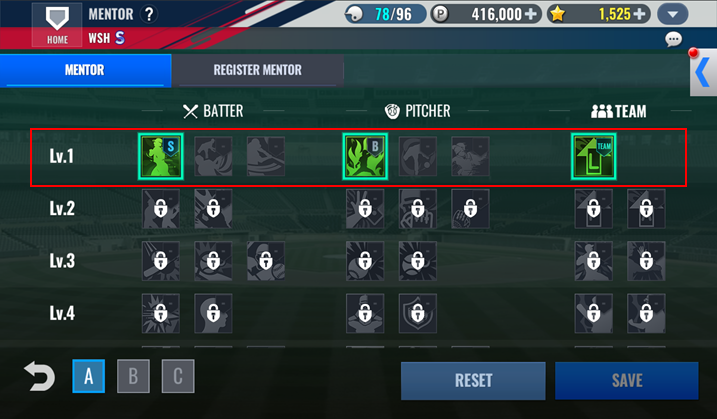
Entering Register Mentor allows you to view detailed effects based on the levels of Batters, Pitchers, and Team.
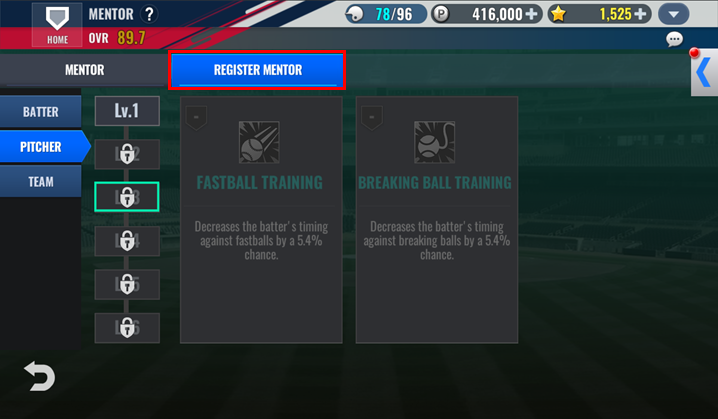
⚡Quick Tip⚡
- You can preview effects of levels that are not yet unlocked.
Mentor levels must be unlocked separately for Batters, Pitchers, and Team. You can unlock levels by using Stars, and you must register at least one mentor before unlocking the next level.
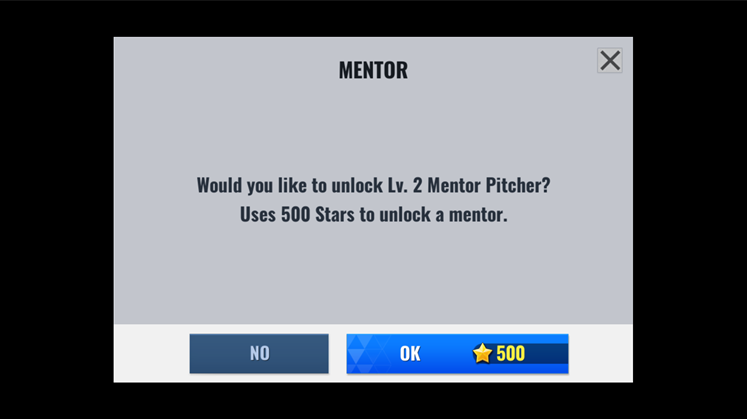
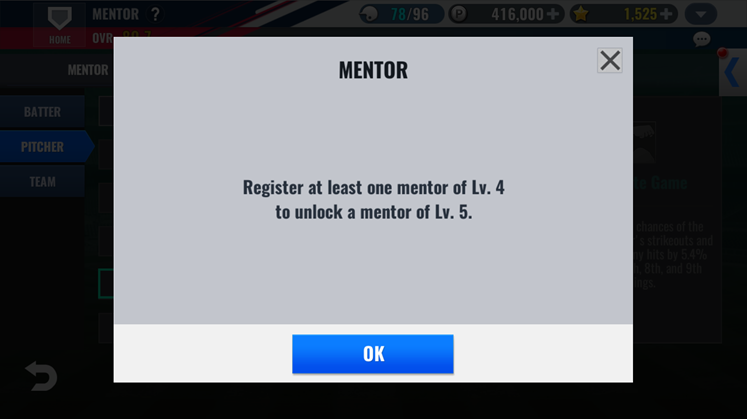
⚡Quick Tip⚡
- Check how many Stars are needed to unlock each Mentor level.
Level
1
2
3
4
5
6
Star
400
500
600
700
800
900
[Mentor Registration]
When a level is unlocked, you can select an inactive mentor effect to proceed with registration.
Mentor conditions are based on specific player stats, card grades, types, or teams. The mentor grade is determined by the conditions of registered players.
Tap the + button in Register Mentor to view players in your reserve that meet the mentor conditions.
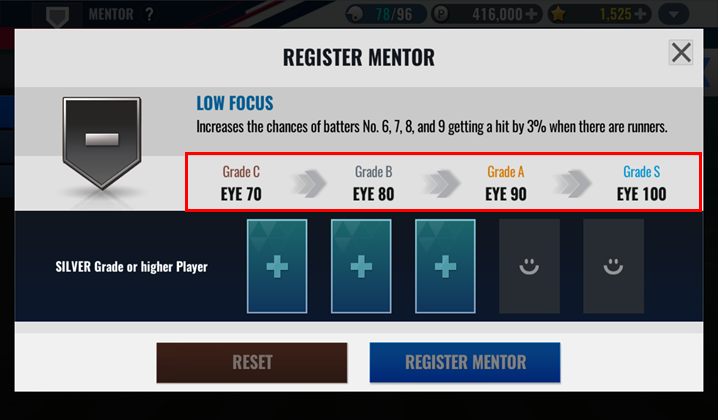
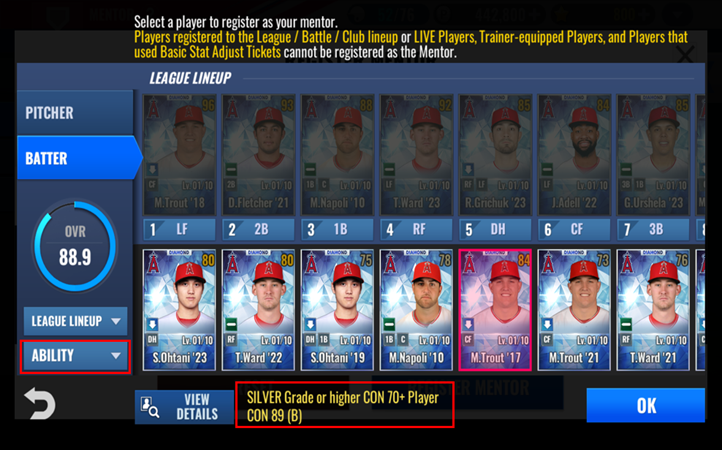
Once all players are registered, the Register Mentor button becomes active, allowing you to complete the registration process.
The mentor is then activated and can be applied by selecting and saving the effect.
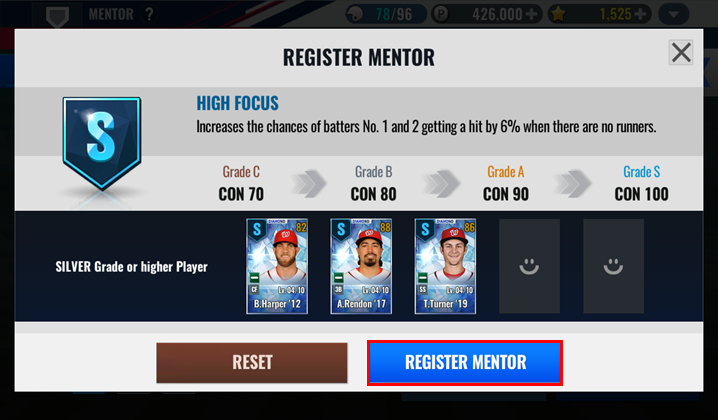
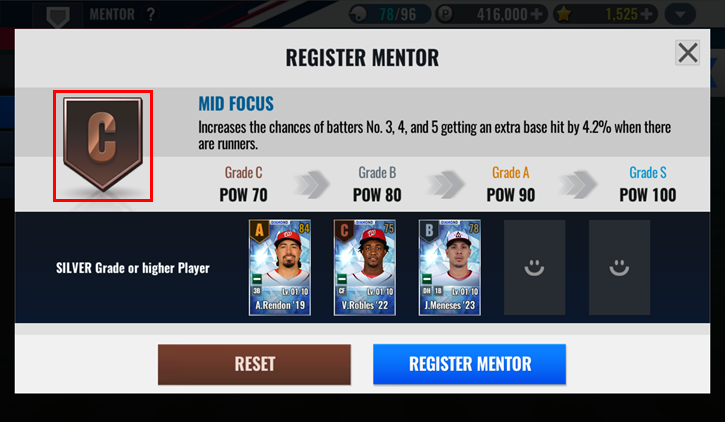
The grade is determined by the lowest condition among the registered players.
For example, if you register three S-grade players and one B-grade player, the effect is applied as B-grade.
- You can register players in advance before finalizing the mentor registration. Pre-registered players remain registered even if you exit the Mentor screen and are removed from the Player Reserve.
- Registered mentor players cannot be subject to training, skill changes, or used as upgrade materials.
- Use the Reset button to remove registered players, returning them to the Player Reserve.
- Registration conditions are based on players' base abilities, grade increases, developments, special training, and Black Diamond upgrade stat increases.
Player conditions, set decks, P.O.T.M, gear, trainers, or stats adjusted by Basic Stat Adjust Tickets are not included.
- If you have eligible players who are not appearing, check if they are in other Lineups or the Backup Player Reserve.
※ Live players cannot be registered because their stats change with each update.
⚡Quick Tip⚡
- Locked players can also be registered as mentors.
- Team mentors do not have grades.
- You can change the mentor grade by resetting the effect and registering new players that meet different conditions.
- Mentor grades do not affect the unlocking of the next mentor level.
You can quickly unlock levels by registering lower-grade effects and then adjust them as you unlock higher levels.
[Using Mentors]
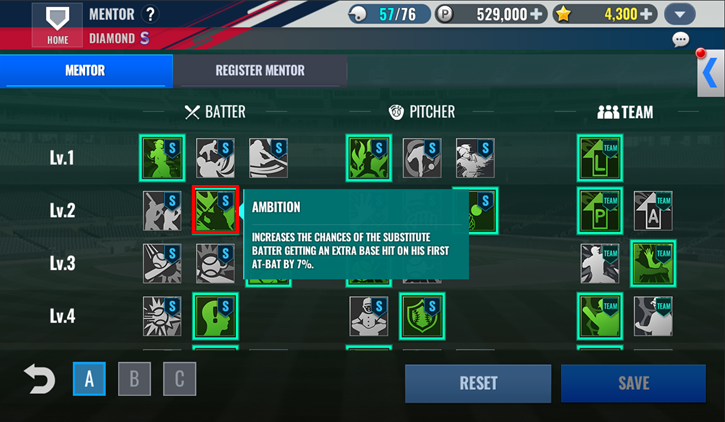
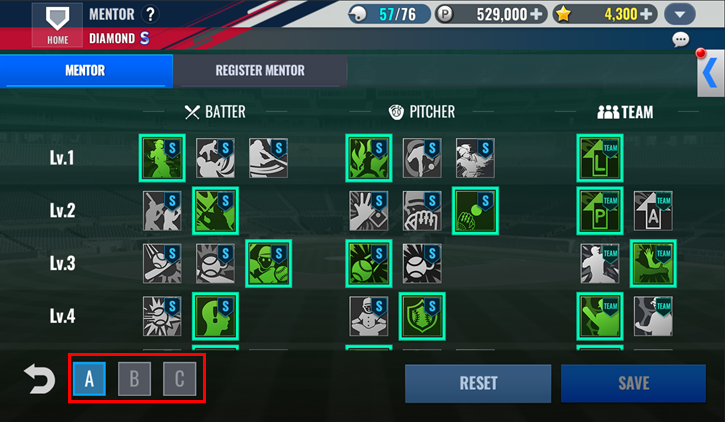
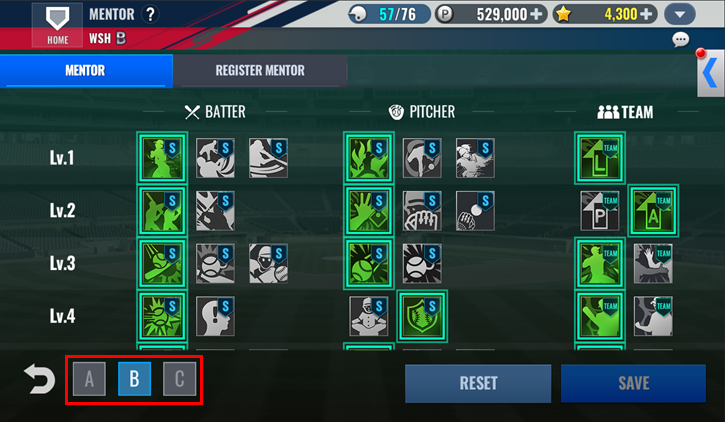
Once registration is complete, you can select one effect per level for Batters, Pitchers, and Team. Use the three presets at the bottom left of the Mentor screen to assign and use the desired mentor effects.
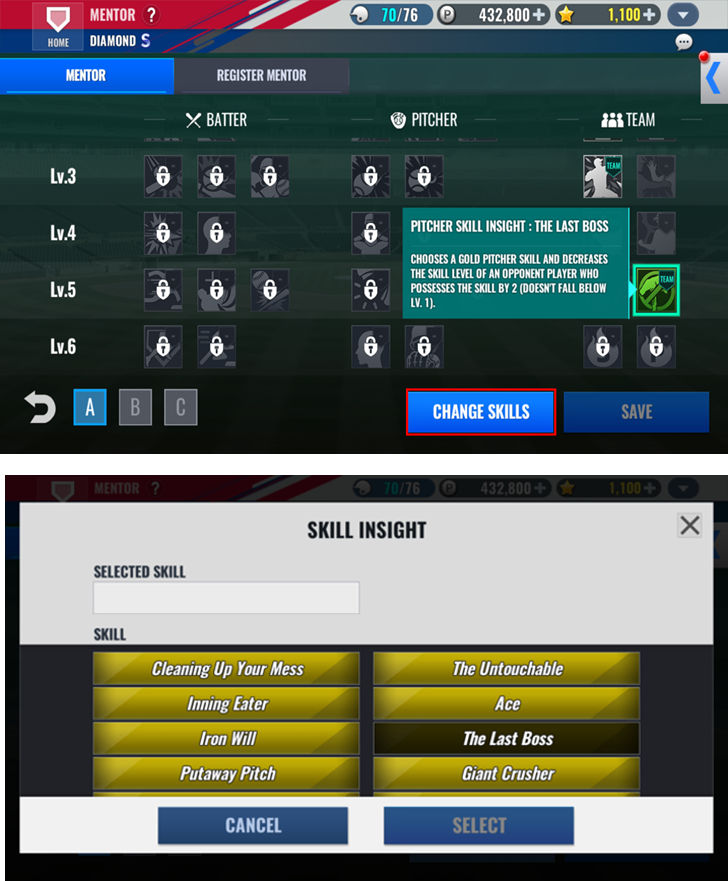
An improvement has been made to allow immediate changing of the registered skill in the Skill Insight for Team Mentor Lv. 6 Batter/Pitcher. After activating mentors with Skill Insight, tap the mentor icon in the mentor tab to change the target for Skill Insight.
⚡Quick Tip⚡
- Points are consumed when you save changes to the selected mentor.
- Frequently used mentors can be saved in presets for convenience, and changing presets does not consume points.
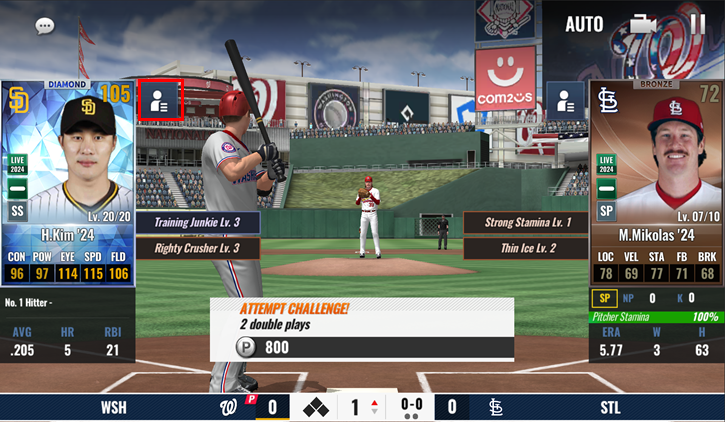
Activated mentors appear in the player information on the right side of the player image during a match, based on the activation conditions.
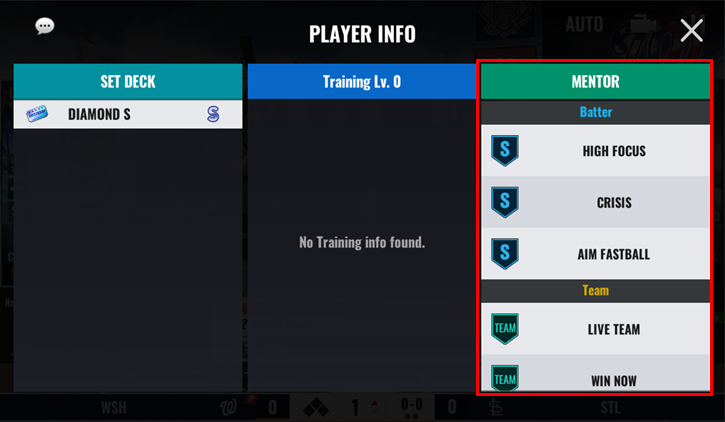
You can check the mentors used by yourself and your opponent on the match result screen.
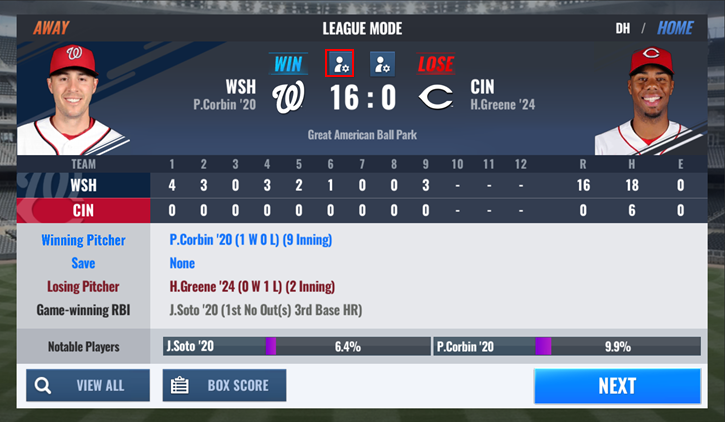
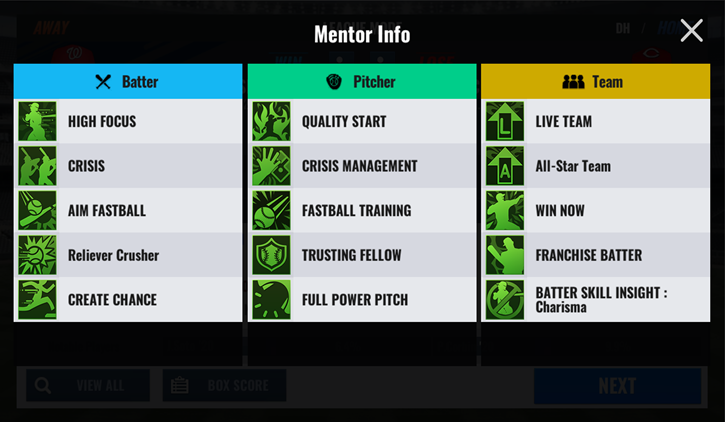
In Power Ranking Tournaments/Club Power Ranking Tournaments, the mentor application, previously fixed upon lineup submission, will now apply the current mentor settings when at bat.
Category Power Ranking Tournament Club Power Ranking Tournament At Bat Progress with current mentor settings Defense Fixed upon lineup submission ⚡Quick Tip⚡
The types of mentors are as follows.
Batter

Pitcher

Team

Different mentor effects may be needed depending on your lineup.
Find and apply the best mentor combination for your team!
We've explored the newly improved Mentor system in this update.
Utilize the revamped Mentor system to strategically manage your team!
